The Problems window  displays errors during CGA shape grammar editing. Errors and warnings are passed up from the CGA compiler. The Problems window lists the error, file name, and folder. When you select an error, the associated file opens in the CGA Editor window, and the pointer points to the line where the error was encountered.
To access the Problems window , click Window > Problems from the main menu.
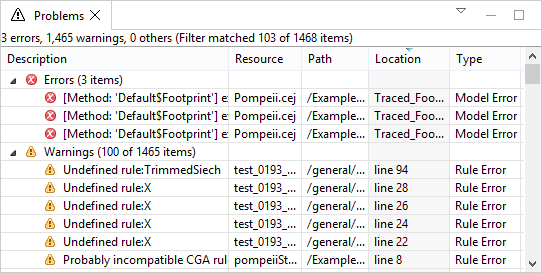
In the views settings of the Problems window , change the grouping to Type to have problems sorted by Model Errors and Rule Errors values.