When you select lanes in the Viewport window, you can manage the attributes and parameters in the Inspector window. A street segment can have roadbed and sidewalk lanes. Roadbed lanes are usually lanes adjacent to the centerline of a street. While sidewalk lanes are lanes outside of the roadbed lanes.
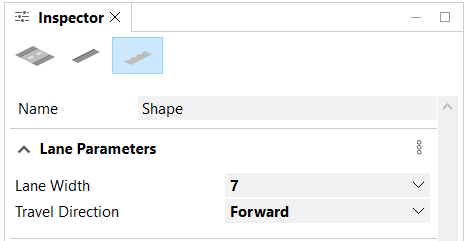
Lane parameters
Click the Roadbed Lanes button  or the Sidewalk Lanes button
  to work with the following parameters:
Lane Width (attr width) | The width of the main street shape. |
Travel Direction (attr travelDirection) | You can choose either the Forward, Reverse, or Both options for the travel direction. |
To work with segment parameters and object attributes, see Segments.
Note:
- Street widths are in absolute length units; precision is in a normalized [0, 1] range.
- Parameters (attributes) can be mapped to Default, User, Object, or to a map layer. See Map attributes with the Connection Editor for more information.
Roadbed lane object attributes
You can select a roadbed lane in the Viewport window, and click the Roadbed Lanes button to manage object attributes in the Object Attributes section of the Inspector window.
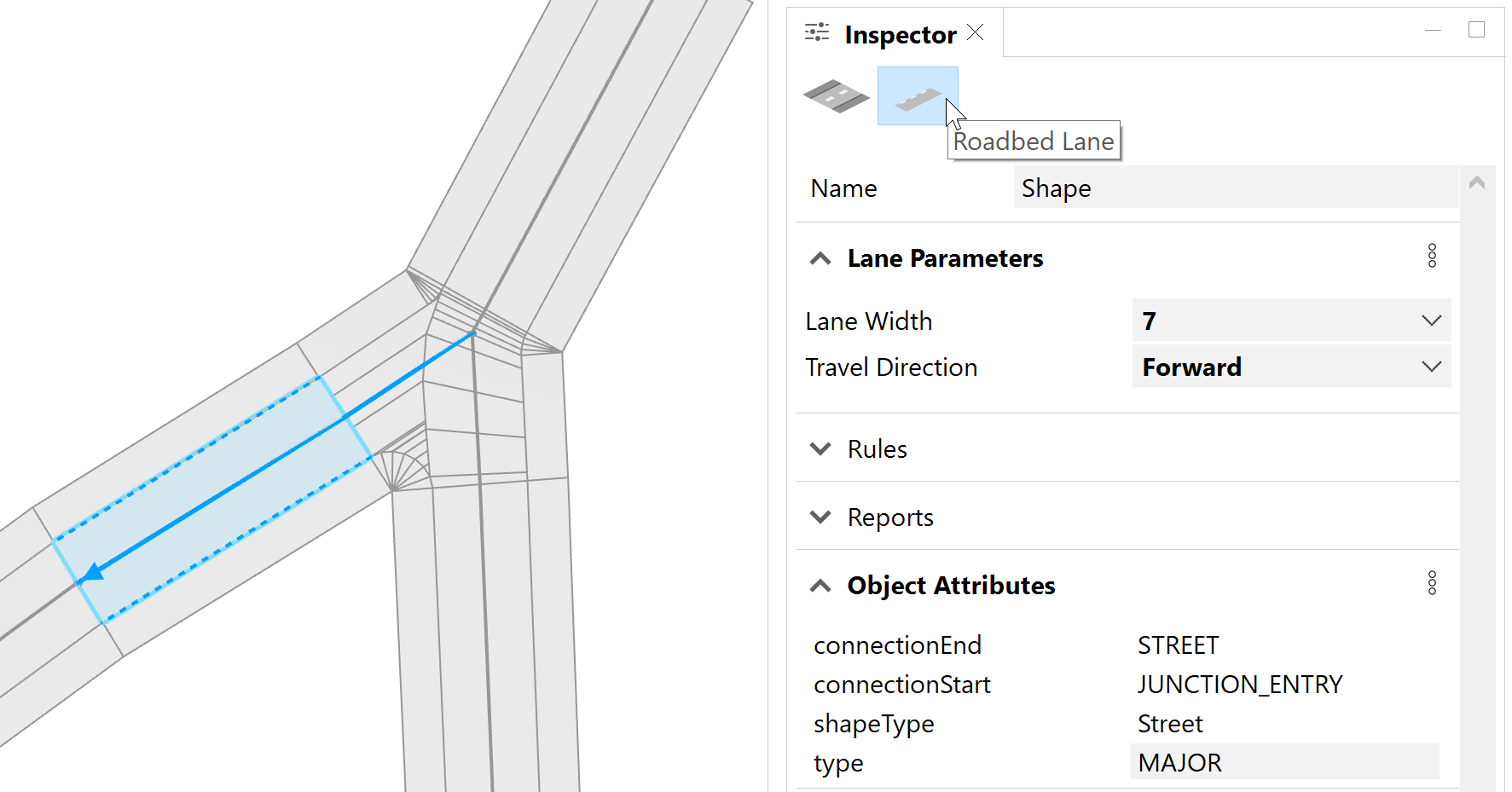
The following table shows the object attributes for roadbed lanes:
|
connectionEnd | Inherited from the segment object attributes. |
connectionStart | |
shapeType | Lanes can either be Street type or Sidewalk type. |
type | Inherited from the segment object attributes. |
laneIndex | The currently selected lane's index. The first lane has index 0. |
laneCount | The total number of lanes on the segment. |
laneWidths | An array containing widths of all lanes on the segment. The order corresponds to the laneIndex attribute. |
shapeGroups | An array containing the shapeType attribute from all lanes on the segment. The order corresponds to the laneIndex attribute. |
travelDirections | An array containing the travelDirection parameter from all lanes on the segment. The order corresponds to the laneIndex attribute. |
Sidewalk lane object attributes
You can select a sidewalk lane in the Viewport window, and click the Sidewalk Lanes button to manage object attributes in the Object Attributes section of the Inspector window.

The following table shows the object attributes for sidewalk lanes:
|
connectionEnd | Inherited from the segment object attributes. |
connectionStart | |
shapeType | Lanes can either be Street type or Sidewalk type. |
sidewalkSide | The side of the street the sidewalk shape is relative to the street direction. Possible values are Left or Right. This attribute is only added to sidewalk shapes. |
type | Inherited from the segment object attributes. |
laneIndex | The currently selected lane's index. The first lane has index 0. |
laneCount | The total number of lanes on the segment. |
laneWidths | Array containing widths of all lanes on the segment. The order corresponds to the laneIndex attribute. |
shapeGroups | Array containing the shapeType attribute from all lanes on the segment. The order corresponds to the laneIndex attribute. |
travelDirections | Array containing the travelDirection parameter from all lanes on the segment. The order corresponds to the laneIndex attribute. |