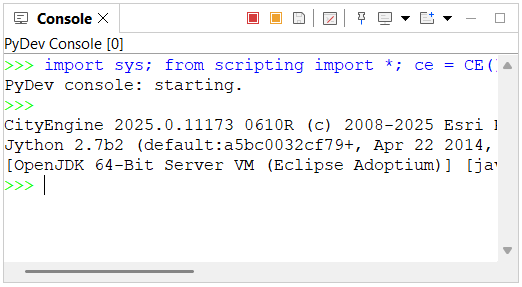
The Console window contains various consoles used when working with CityEngine. The top toolbar button switches between consoles (if available).
To access the Console window  , click Window > Console from the main menu.
CGA Console
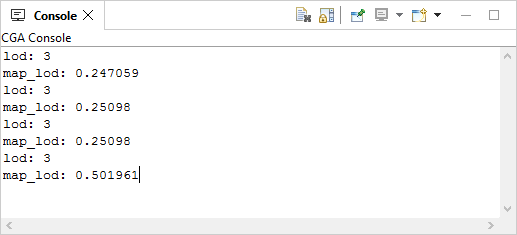
If a CGA command produces textual output (such as the CGA print command), this output is shown in the CGA Console window. This console is available once a CGA print output is produced. See print operation for more information.
Python output console
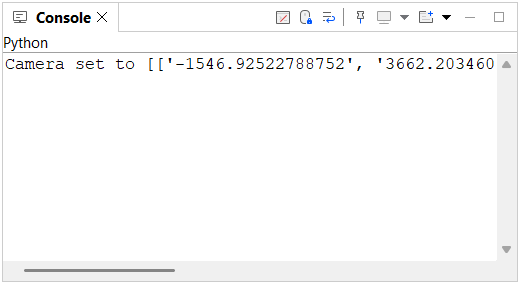
The Python console is the default output console for Python statements that use a print() command. This console is available once a Python print output is produced. See Python scripting interface usage for more information.
PyDev Console
Type Python commands in the PyDev Console window.
To access the PyDev Console window, click the Open Console button  on the toolbar, and click Python Console.