When you select streets in the Viewport window, you can manage the attributes and parameters in the Inspector window. Streets can contain segments, roadbed lanes, and sidewalk lanes.
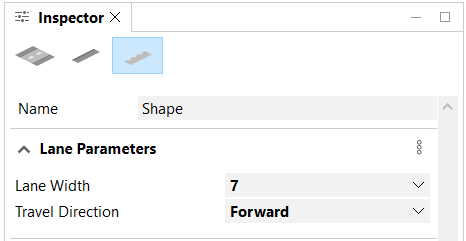
These parameters define the generated shapes.
Manage lanes
Click the Roadbed Lanes button  or the Sidewalk Lanes button
  to manage the following attributes and parameters:
Name | The name of the street shape. |
Lane Width | The width of the main street shape. |
Travel Direction | The distance the geometry will be offset from the center line. |
To manage the segments, see Segments.
Note:
- Street widths are in absolute length units; precision is in a normalized [0, 1] range.
- Parameters (attributes) can be mapped to Default, User, Object, or to a map layer. See Map attributes with the Connection Editor for more information.
Roadbed lanes
You can select a roadbed lane in the Viewport window, and click the Roadbed Lanes button to manage object attributes in the Object Attributes section of the Inspector window.
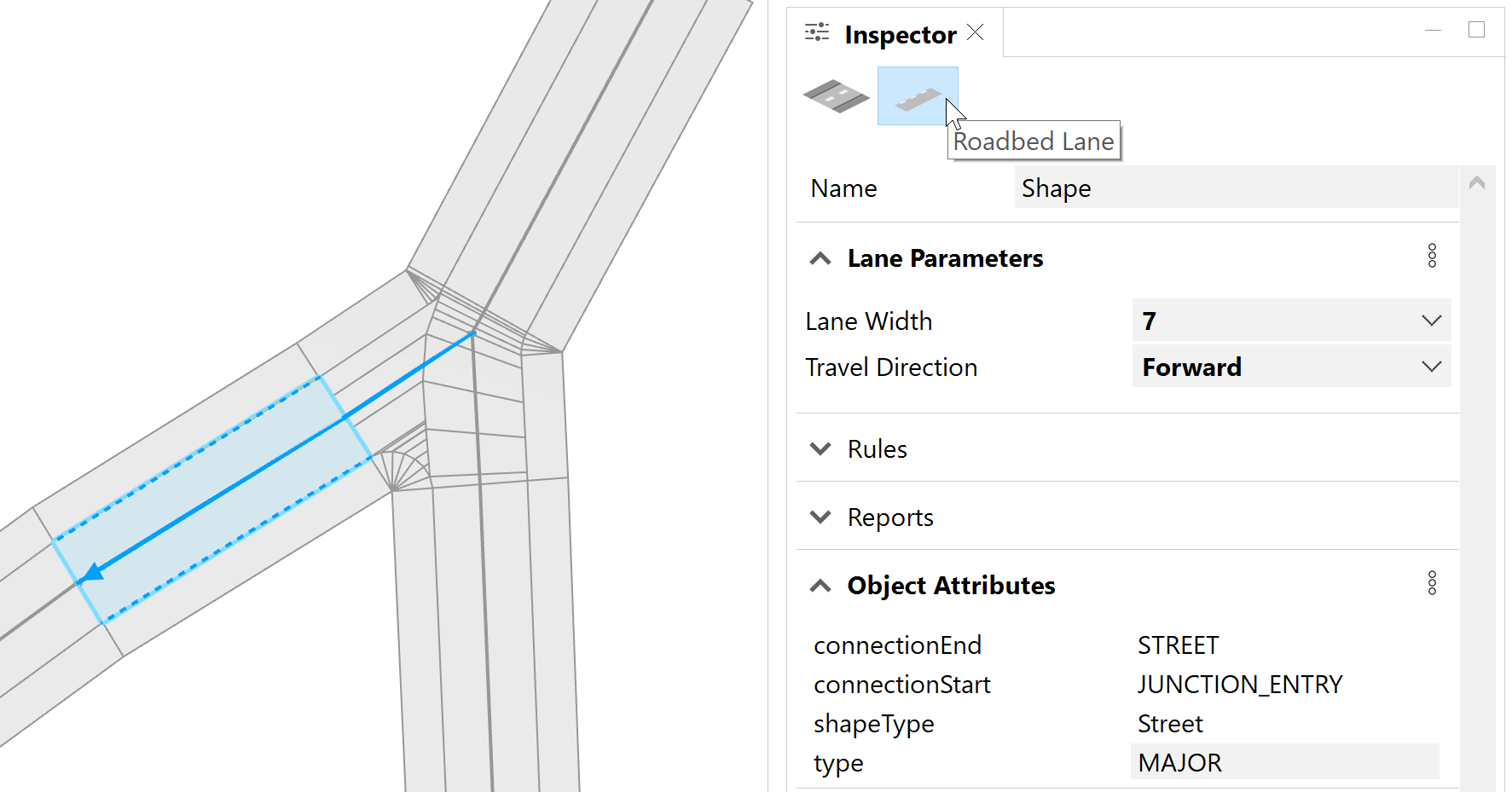
The following table shows the object attributes for roadbed lanes:
|
connectionEnd | The adjacent geometry at the start or end of a street segment shape. Possible values are STREET, CROSSING, JUNCTION, JUNCTION_ENTRY, DEAD_END, FREEWAY, FREEWAY_ENTRY, and ROUNDABOUT. |
|
connectionStart | |
shapeType | Lanes can either be Street type or Sidewalk type. |
type | The possible values are MAJOR or MINOR. The MAJOR value is used to identify the main streets when using the Grow Streets tool. The street segment lines are also rendered thicker when the MAJOR value is used. |
Sidewalk lanes
You can select a sidewalk lane in the Viewport window, and click the Sidewalk Lanes button to manage object attributes in the Object Attributes section of the Inspector window.
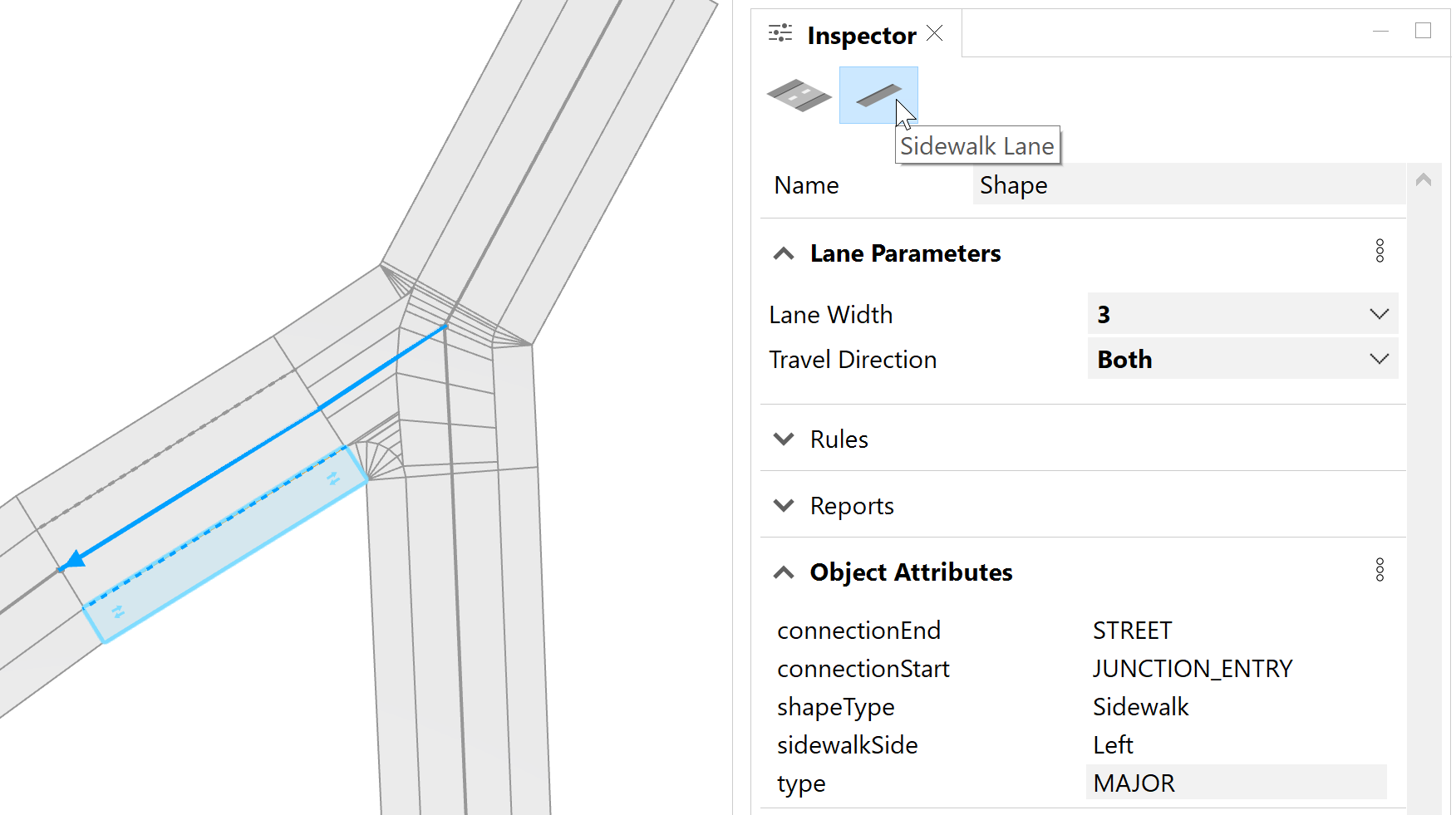
The following table shows the object attributes for sidewalk lanes:
|
connectionEnd | The adjacent geometry at the start or end of a street segment shape. Possible values are STREET, CROSSING, JUNCTION, JUNCTION_ENTRY, DEAD_END, FREEWAY, FREEWAY_ENTRY, and ROUNDABOUT. |
|
connectionStart | |
shapeType | Lanes can either be Street type or Sidewalk type. |
sidewalkSide | The side of the street the sidewalk shape is on relative to the street direction. Possible values are Left or Right. This attribute is only added to sidewalk shapes. |
type | The possible values are MAJOR or MINOR. The MAJOR value is used to identify the main streets when using the Grow Streets tool. The street segment lines are also rendered thicker when the MAJOR value is used. |