The Convert to Static Shapes tool allows you to create a static shape layer containing a copy of the selected dynamic shapes along with their attributes and assigned rules. Click Shapes > Convert to Static Shapes in the main menu. The static shapes are added under a new Static Shape layer in the Scene Editor window and also in the Viewport window.
A street segment with three dynamic shapes: A roadbed lane and two sidewalk lanes. | 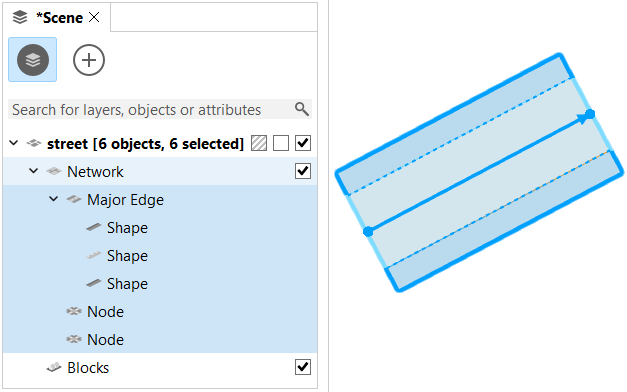 |
The lanes are converted to static shapes. |  |
You can now apply the transform tools and other shape editing tools to the static shapes.