Components can be used inside Visual CGA to create procedural models without coding in CGA.
The simple building below is an example of how different components can be interconnected in a VCGA design to create detailed architecture.


See the full image.
Available component categories:
- Site partitioning
- Allows to encode setbacks from zoning code
- Input: Parcel
- Output: BuildableArea
- Massing
- Allows for quick generation of the most common block typologies
- Organized by block type
- Input: BuildableArea
- Output: Mass, Yard

Example of massing components
- Floor: Mass to floors
- Allows to split a mass into floors
- Input: Mass
- Output: Floorplate, Rooftop, Terrace, Overhang
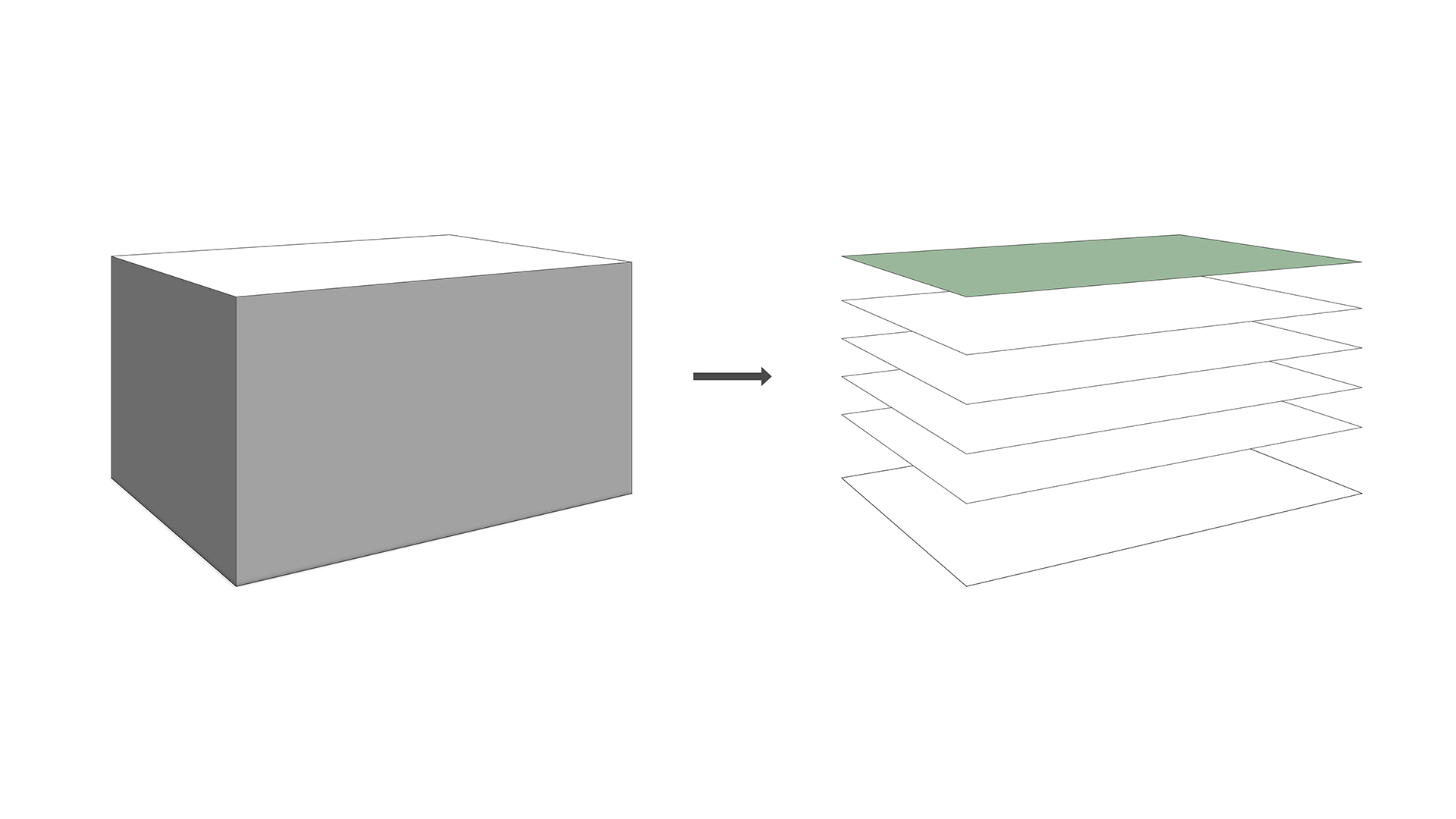
Example of a building mass split into floorplates by applying the Floors_by_Height_per_Type component
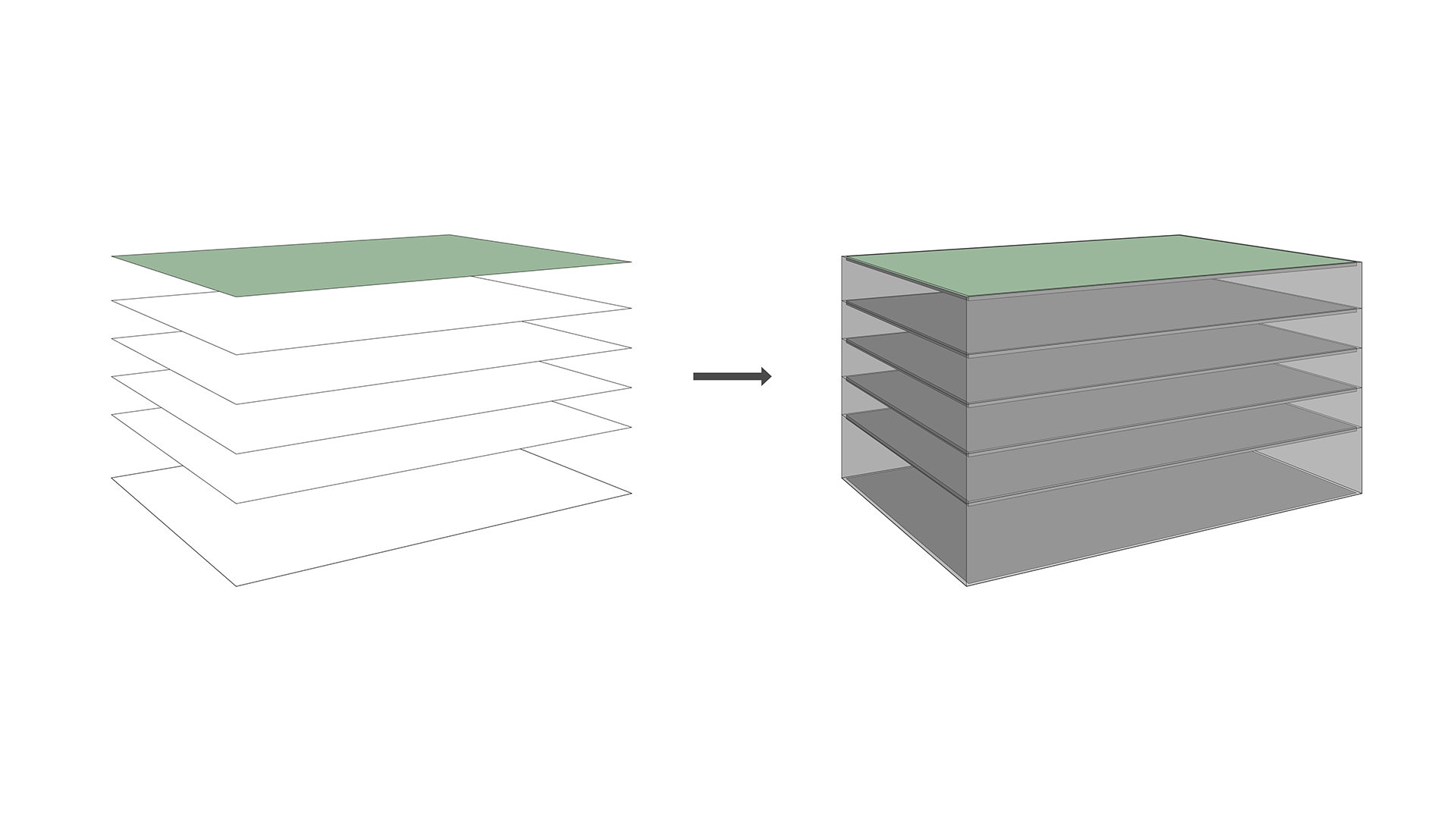
- Floor composition
- Allows to compose a floor by generating facade planes and interior areas from a floorplate
- Input: Floorplate
- Output: ExteriorFacade, InteriorArea, FloorSlabSide
- Pattern
- Allows to subdivide a facade into tiles according to a pattern logic
- Input: Shape
- Output: Tiles

Example of different patterns applied to the exterior facade shape
- Tile
- Allows to subdivide a tile into opening and wall
- Input: Tile
- Output: Opening, Wall

Different tiles applied on a shape splitting it into opening (color) and wall (white).
- Element: Windows
- Allows to add a window to a shape or an opening
- Input: Opening
- Output: BackSlot, FrontSlot, Glass, Reveal, WindowFrame, WindowSurround

Different window types applied to an opening
- Util: Materials and Util: Color
- Allows to apply a material or a color to a shape
- Input: Shape
- Output: ShapeWithMaterial / ShapeWithColor
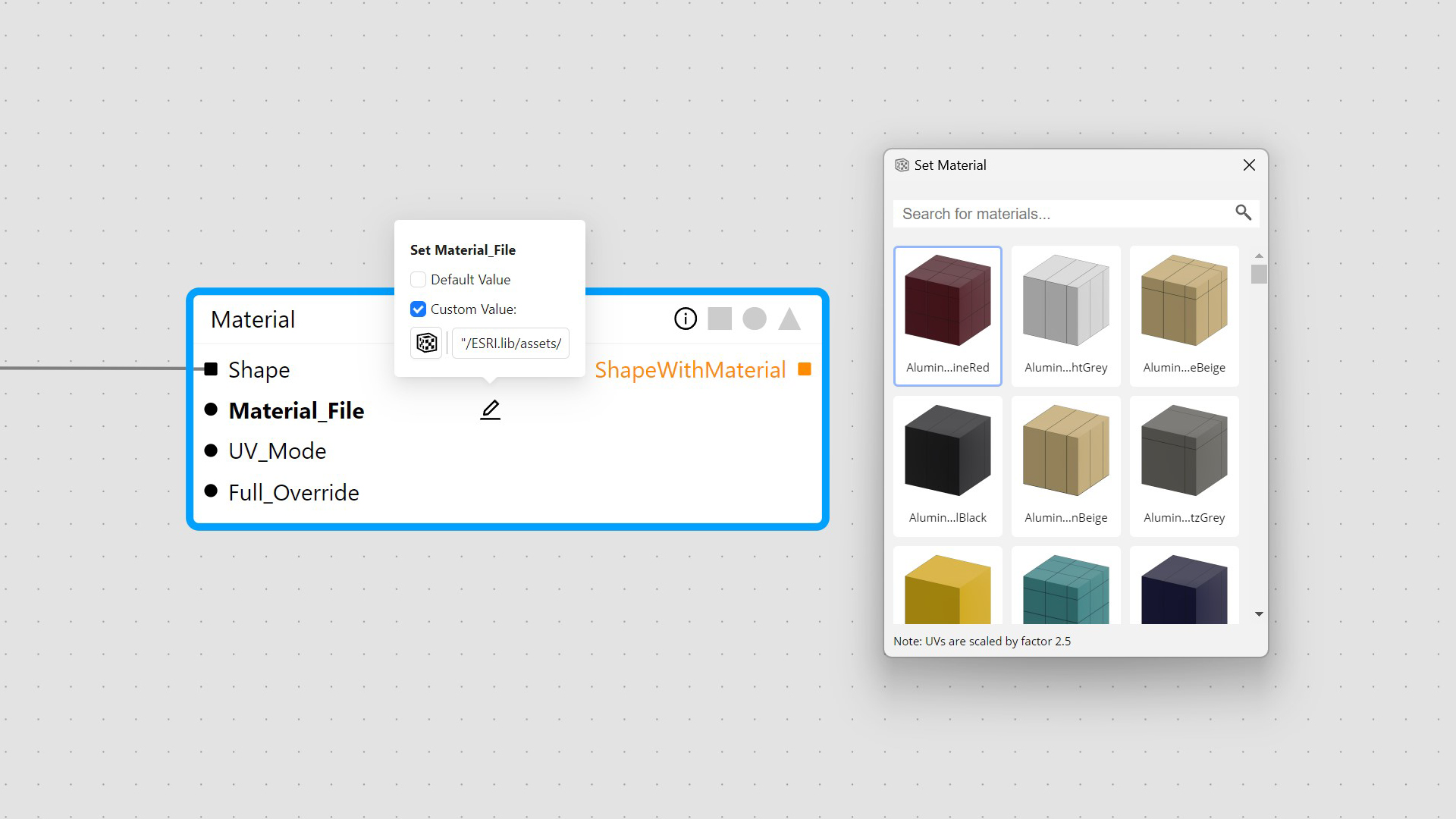
Material component allows to launch material browser